Illustration for Designers by The Futur
The Futur Illustration for Designers is a self-paced course by Greg Gunn: 40 video lessons on style, shape and a full illustration project in Photoshop, Illustrator or Procreate. $149, lifetime access.
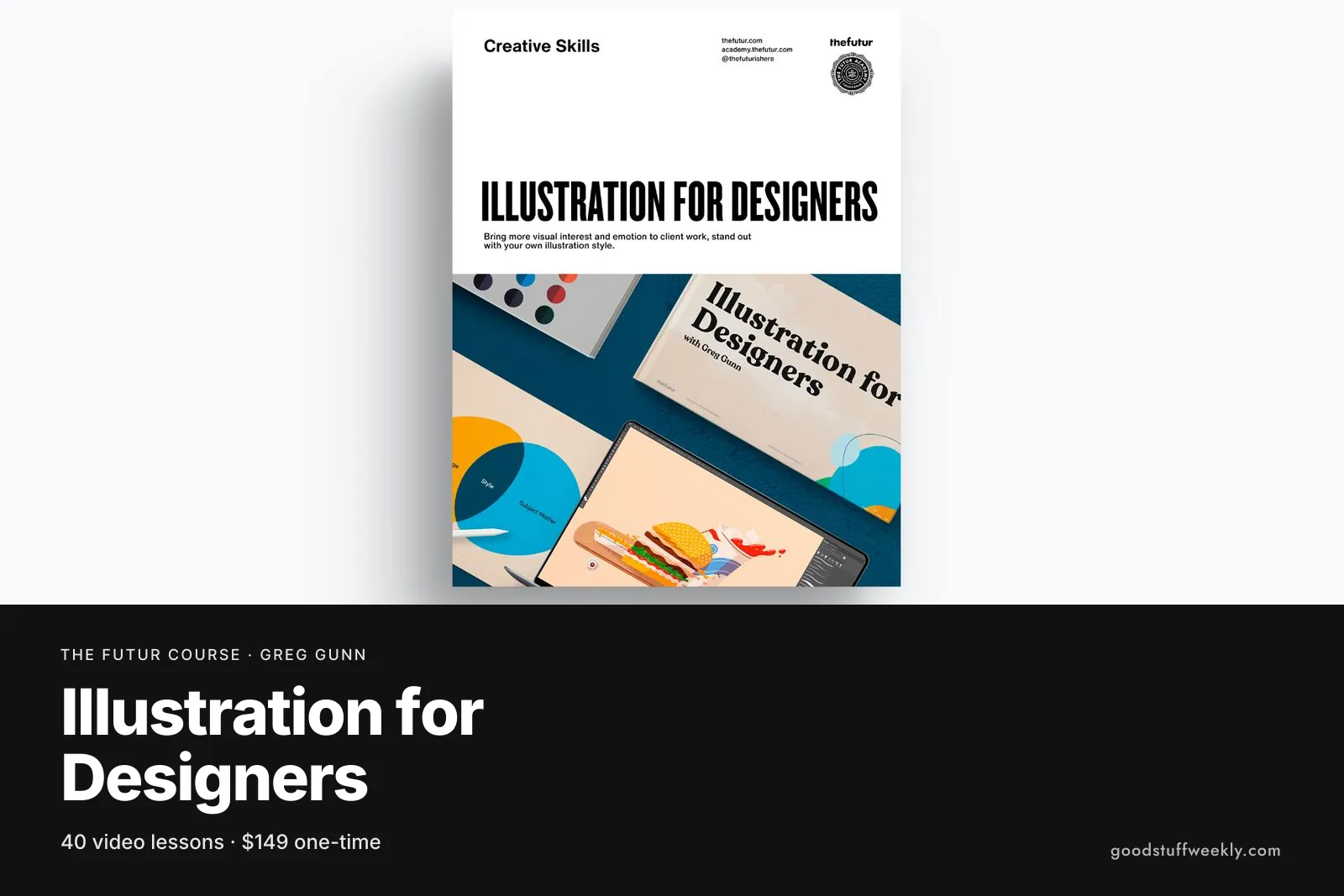
The Futur Illustration for Designers is a self-paced online course taught by illustrator, animator and creative director Greg Gunn. Across 40 video lessons it shows graphic designers how to add illustration to their toolkit: finding a personal style, building images from simple shapes, and taking one project from brief to presentation. You can work in Photoshop CC, Illustrator CC or Procreate, and no previous drawing experience is required. It costs $149 as a one-time purchase with lifetime access.
Most of The Futur's design courses deal with type, logos, colour and layout. This one fills a different gap. Many designers are asked for spot illustrations, icons or editorial images and either outsource them or avoid the work. The course approaches illustration from a designer's point of view, treating it as a problem of shape, colour and composition rather than years of life drawing, which makes it a practical way to widen the services you can offer.
What You Will Learn
- How illustration differs from design, and where the two overlap
- How to find and develop an illustration style of your own
- Building images from basic shapes, the core fundamental of the course
- Working from a brief through thumbnails and sketches to finished art
- Applying colour, shadows and texture to give flat shapes depth
- Lighting effects, glows, underpainting and overprinting techniques
- Presenting finished illustrations to a client or for your portfolio
Who Is The Futur Illustration for Designers For?
The course is aimed at graphic designers who want to start illustrating without first becoming expert draughtspeople. The official page lists the level as beginner to intermediate and states that no prior drawing experience is needed, so it suits designers who are comfortable in design software but nervous about a blank canvas.
It also fits design students building a portfolio, freelancers who want to quote for illustration work, and art directors who want to understand the process well enough to brief illustrators clearly.
It is less suited to people who want a traditional drawing education. If your goal is figure drawing, anatomy or painting from life, a dedicated drawing course will serve you better. This course is about producing clean, stylised digital illustration for design work.
Course Structure
The lessons are grouped into six modules:
- Introduction: the tools you will use and how design and illustration differ
- Finding Your Style: looking at what draws you to certain work and shaping a direction
- The Fundamentals: constructing images from shapes
- The Project: the brief, thumbnails, sketches, colour, shadows, texture and presentation, worked through as one complete assignment
- Tips & Tricks: lighting, glows, underpainting and overprinting
- Bonuses: recommended tools and books, plus advice on posting work to Instagram
Alongside the videos you get a digital illustration assignment with layered files, colour palettes, and thumbnail and presentation templates. Being able to open the instructor's layered files is useful, because you can see exactly how a finished image was built.
Price and Access
The course costs $149 as a one-time payment. Purchase gives lifetime access, and the course is self-paced, so you can watch the lessons in any order and return to them while working on real projects. There is no fixed schedule or cohort. For the current price and any offers, check the official course page.
About the Instructor
Greg Gunn is an illustrator, animator and creative director based in Los Angeles. He also teaches Color for Creatives at The Futur, so his approach to colour runs through both courses.
Things to Consider
- Software: you need Photoshop CC, Illustrator CC or Procreate. A drawing tablet is recommended, and makes the sketching and texture stages much easier than working with a mouse.
- Time: the course is self-paced. Set aside extra time for the project module, since thumbnails, sketches and colour passes take longer than watching the lessons.
- Do the assignment: the project is where the learning sticks. Use the layered files and templates rather than only watching.
- Pair it with colour: if colour is a weak point, The Futur's Color for Creatives, also taught by Greg Gunn, is a natural companion.
- Feedback: the course is video-based, so plan your own way to get critique, such as sharing work with peers or a design community.
- Portfolio: treat the final project as a portfolio piece and present it with the templates provided.
Start the Course
Interested in learning with The Futur?
Start Illustration for Designers
For the full syllabus and pricing, visit the official The Futur website.
Looking for more ways to learn? Browse all courses and learning resources on Good Stuff Weekly.
Last verified: November 9, 2026
Last updated